Big Gantt charts

Row Management and Layout Control in ScheduleJS

January 17th, 2025 - 2-3 minutes read

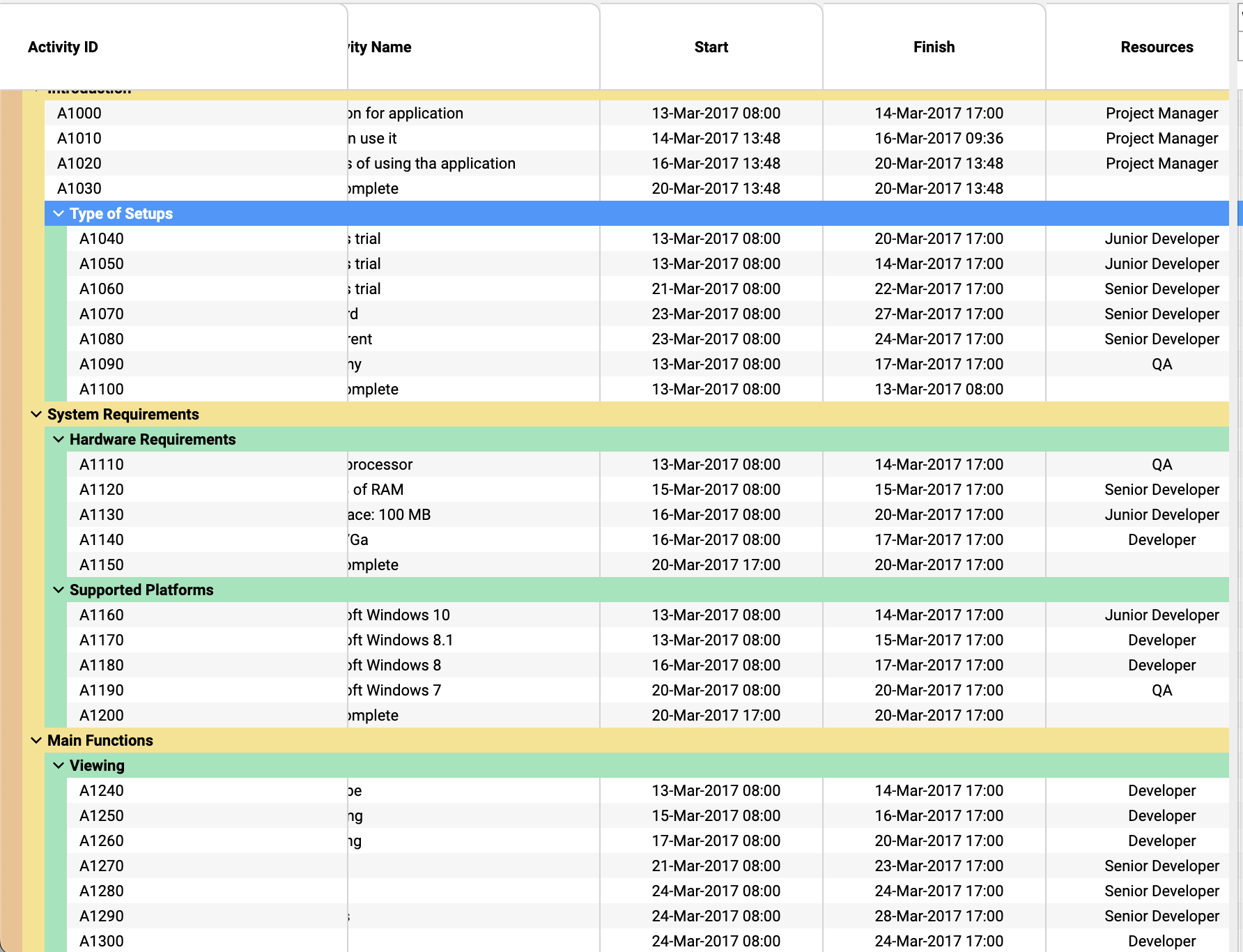
Controlling Row Height

In ScheduleJS, controlling a Row height works exactly as it does in FlexGanttFX. You can use the Row.setHeight method from the Row class to programmatically adjust the height of any Row in your Gantt chart.

The video below demonstrates how you can use it to create features that instantly modify the graphics rows heights with a button:

Different layout types per Row

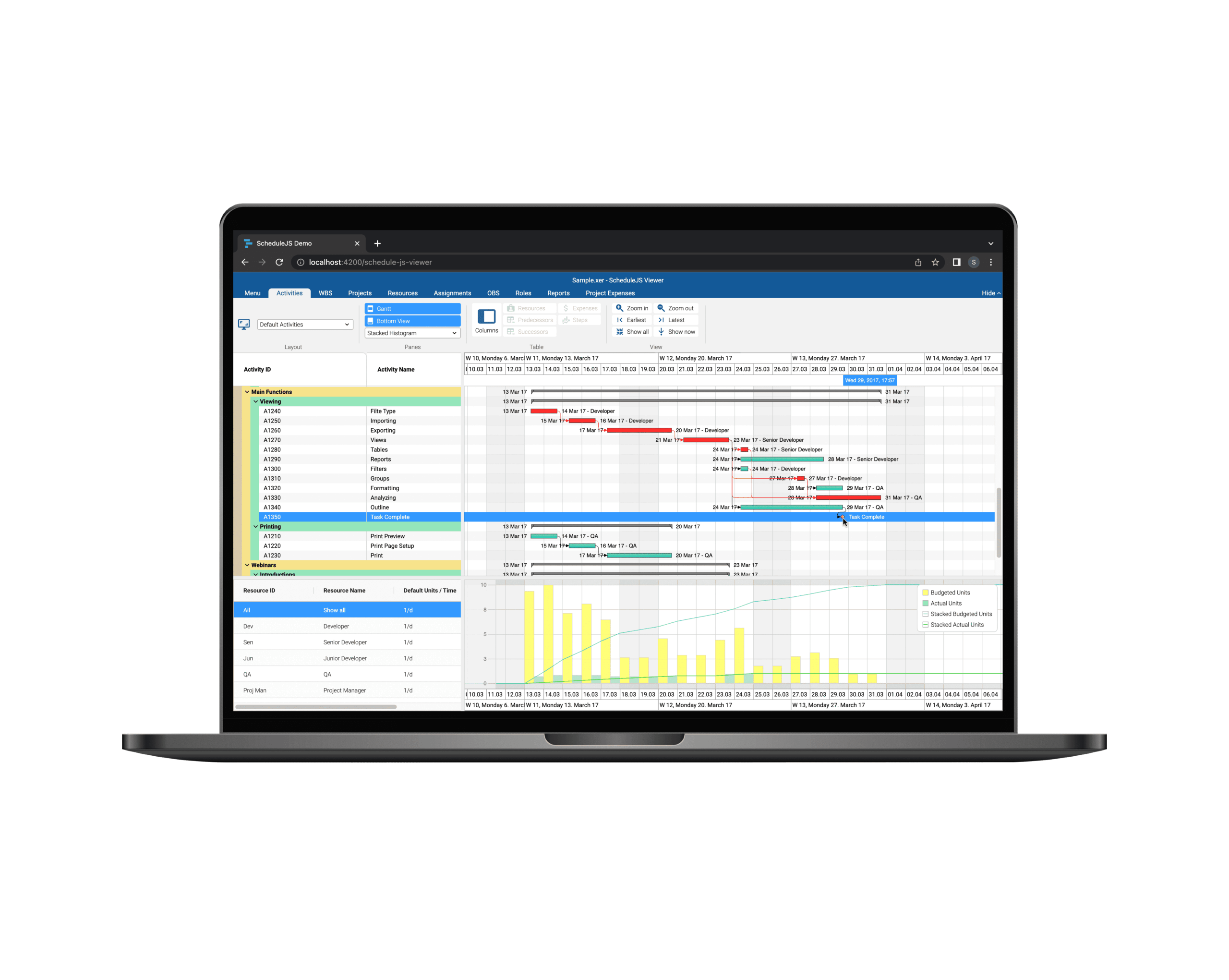
ScheduleJS supports displaying different layout types (GanttLayout, ChartLayout) for any Row or even for its inner lines. To do so, you just have to set the layout type at Row creation, just like in FlexGanttFX.

To change the layouts, you can override the getLineLayout method to return the desired layout for the main row or an inner line using line indexes.

More about inner lines

ScheduleJS provides the same LinesManager API found in FlexGanttFX. By default, the library implements two base classes:

  • Le EqualLinesManager that handles multiple lines with same height for a Row
  • Le AutoLinesManager that will create new inner lines to facilitate the display of stacking activities

Do not hesitate to read other blog articles, read our developer manual, and inspect ScheduleJS objects to find more information about the public methods available to you and explanations about how they should be implemented.

Plus d'articles sur la mise en œuvre

Big Gantt charts

Unlock flexible row management in ScheduleJS: control individual row heights, mix GanttLayout and ChartLayout in the same view.
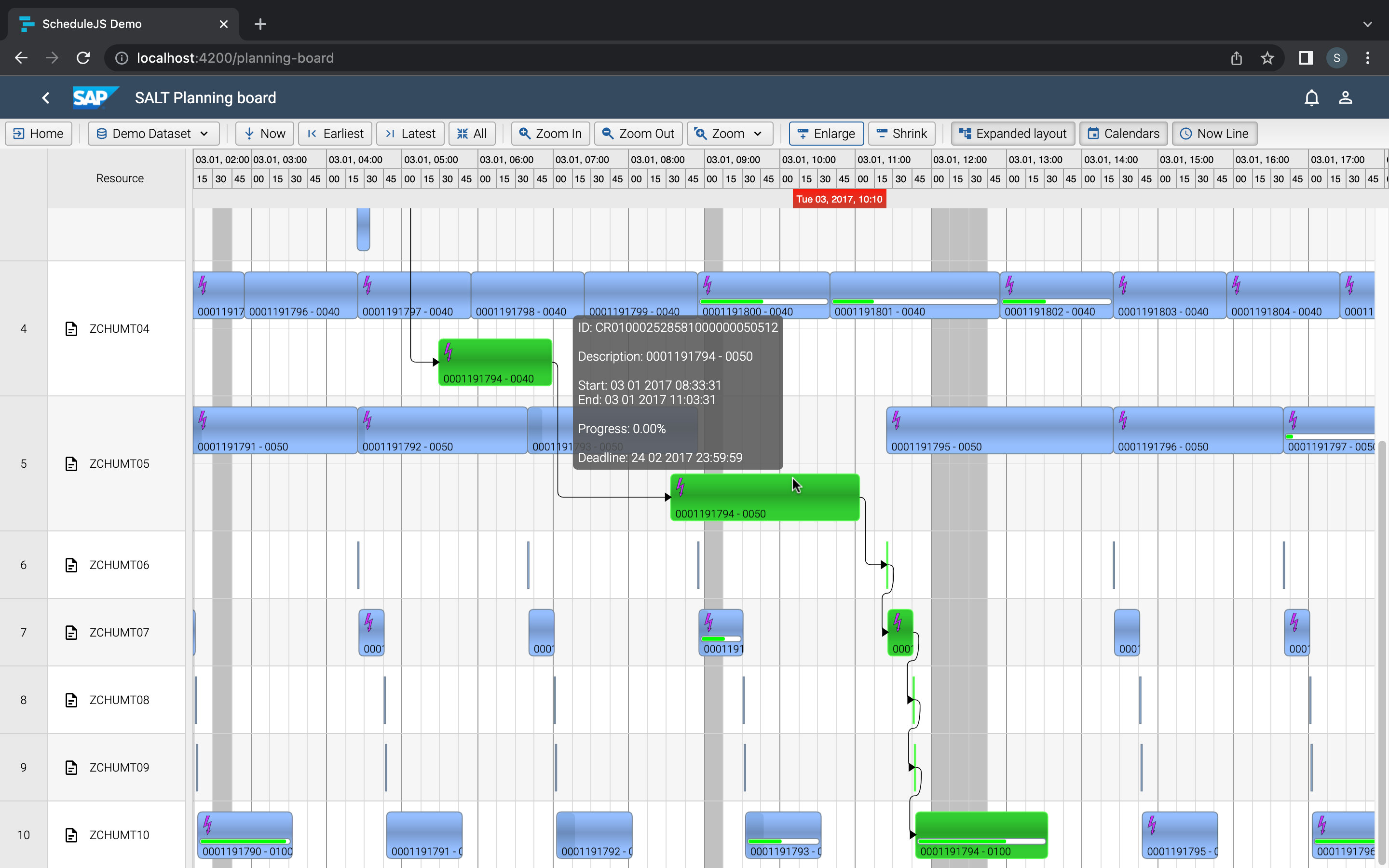
JS Gantt charts Screenshot

Master drag and drop in ScheduleJS: render activities while dragging, access the drag canvas via DragViewTransversalSystemLayers.

ScheduleJS Logo

ScheduleJS 1.4 release notes. A step forward towards modern Angular app building.

Angular 16 vs Angular 18 comparison: discover what's new in Angular, the arrival of signals, Zoneless mode, zone coalescing, and their impact on your projects.
Discover the Angular Rome Conference: workshops, domain-driven design, signals, state management, micro frontends.
Discover Angular 18: zoneless mode, zone coalescing, native await, and TypeScript 5.4 compatibility.
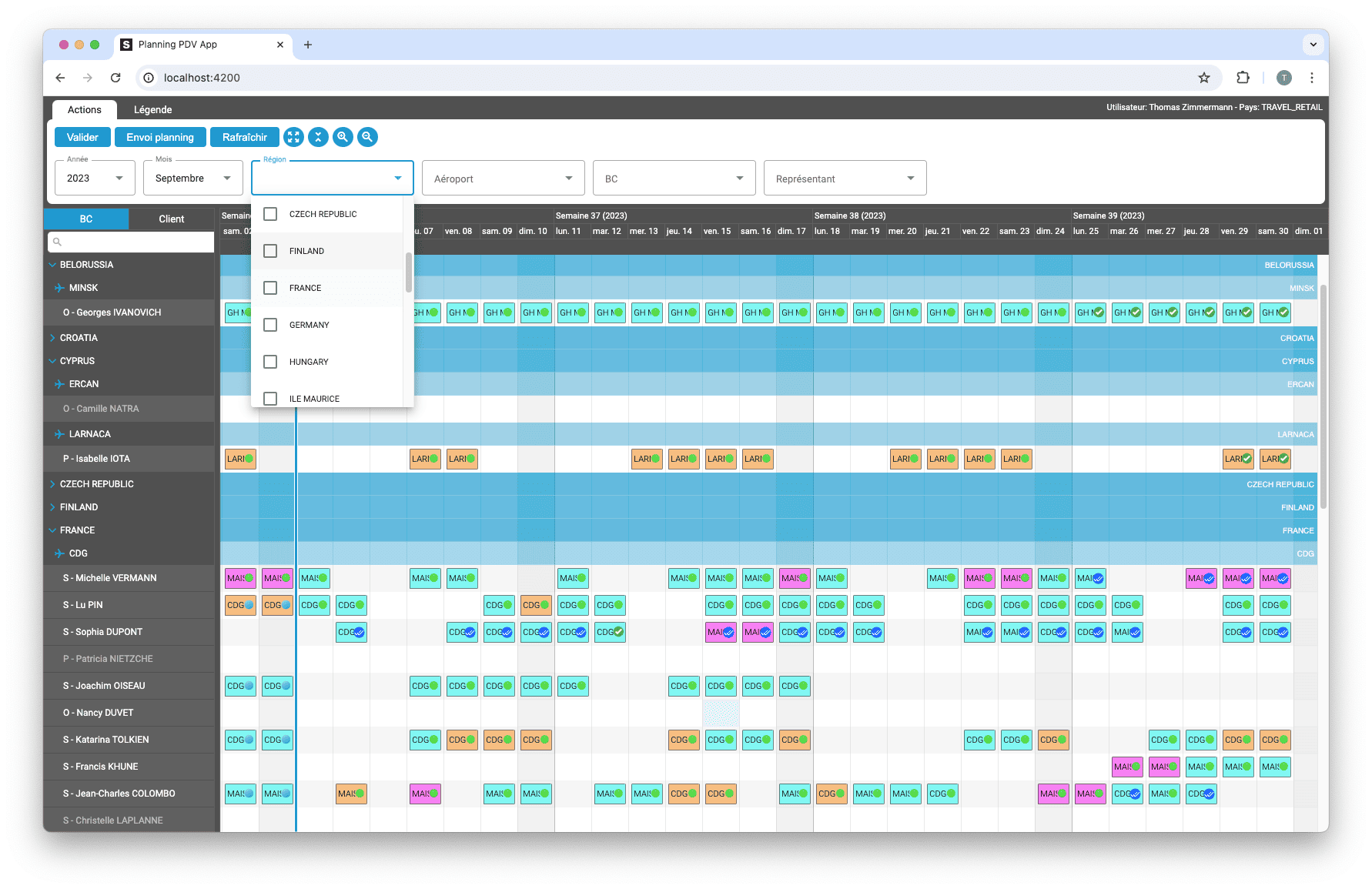
Gantt Charts

Le TOP 3 des diagrammes de Gantt JavaScript. Découvrez leurs caractéristiques, avantages et inconvénients pour choisir le meilleur outil pour votre projet.

sceenschot example appli Gantt charts

Découvrez comment ScheduleJS s'est intégré en toute transparence à Selligent CRM, améliorant ainsi l'efficacité de la planification pour les consultants d'une grande marque de produits de beauté.

JS Gantt charts example

Cet article présente l'intégration d'un composant ScheduleJS dans un tableau Ag-Grid externe, afin de démontrer la flexibilité de ScheduleJS.

Big Gantt charts

Comment synchroniser plusieurs graphiques ? Apprenez à réutiliser votre ligne de temps ScheduleJS dans plusieurs graphiques afin de les synchroniser.

S’abonner
Notification pour
guest
0 Commentaires
Commentaires
Show all comments
0
We would love to to have your toughts on this. Please leave a comment below!x