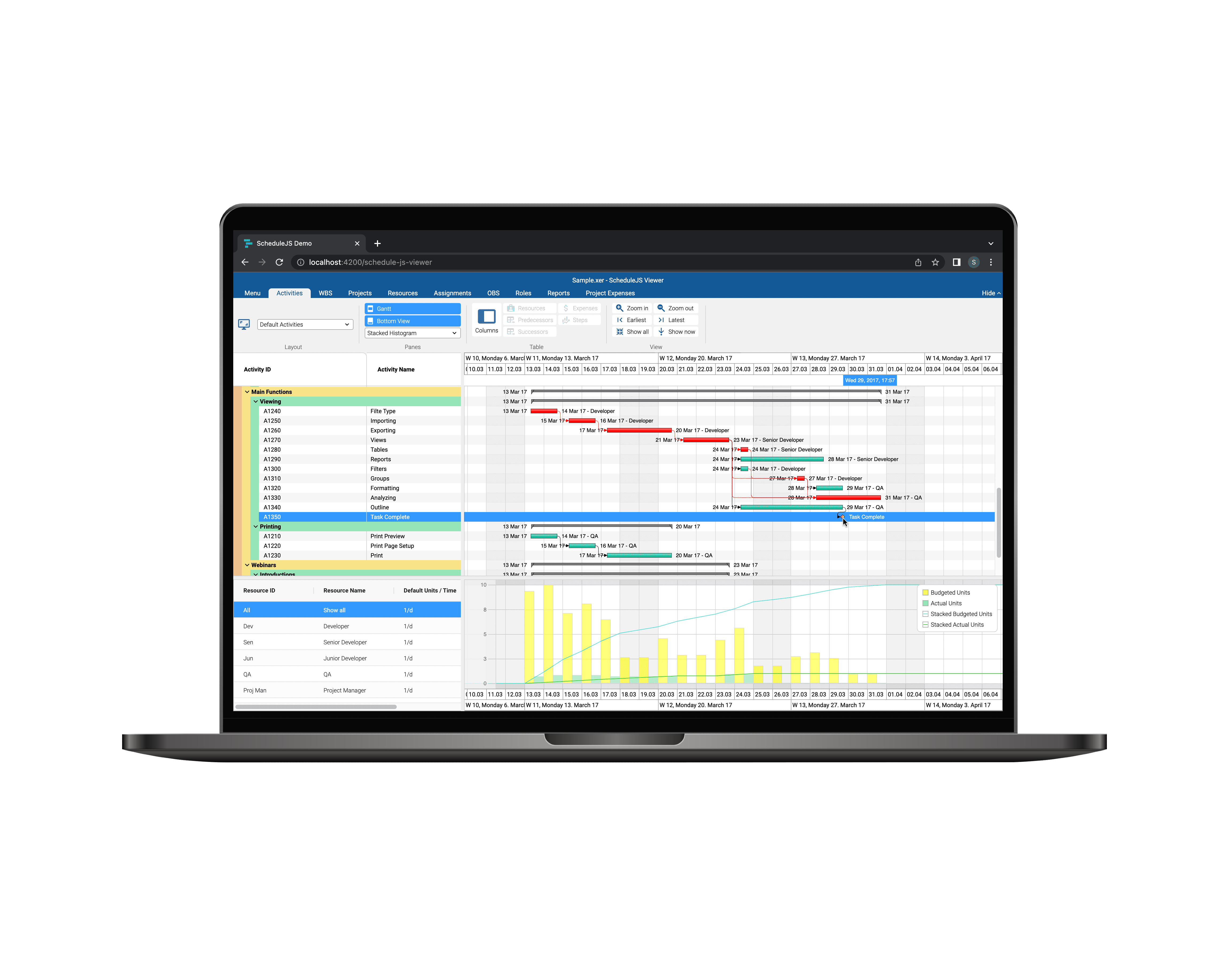
example of the carousel js viewer

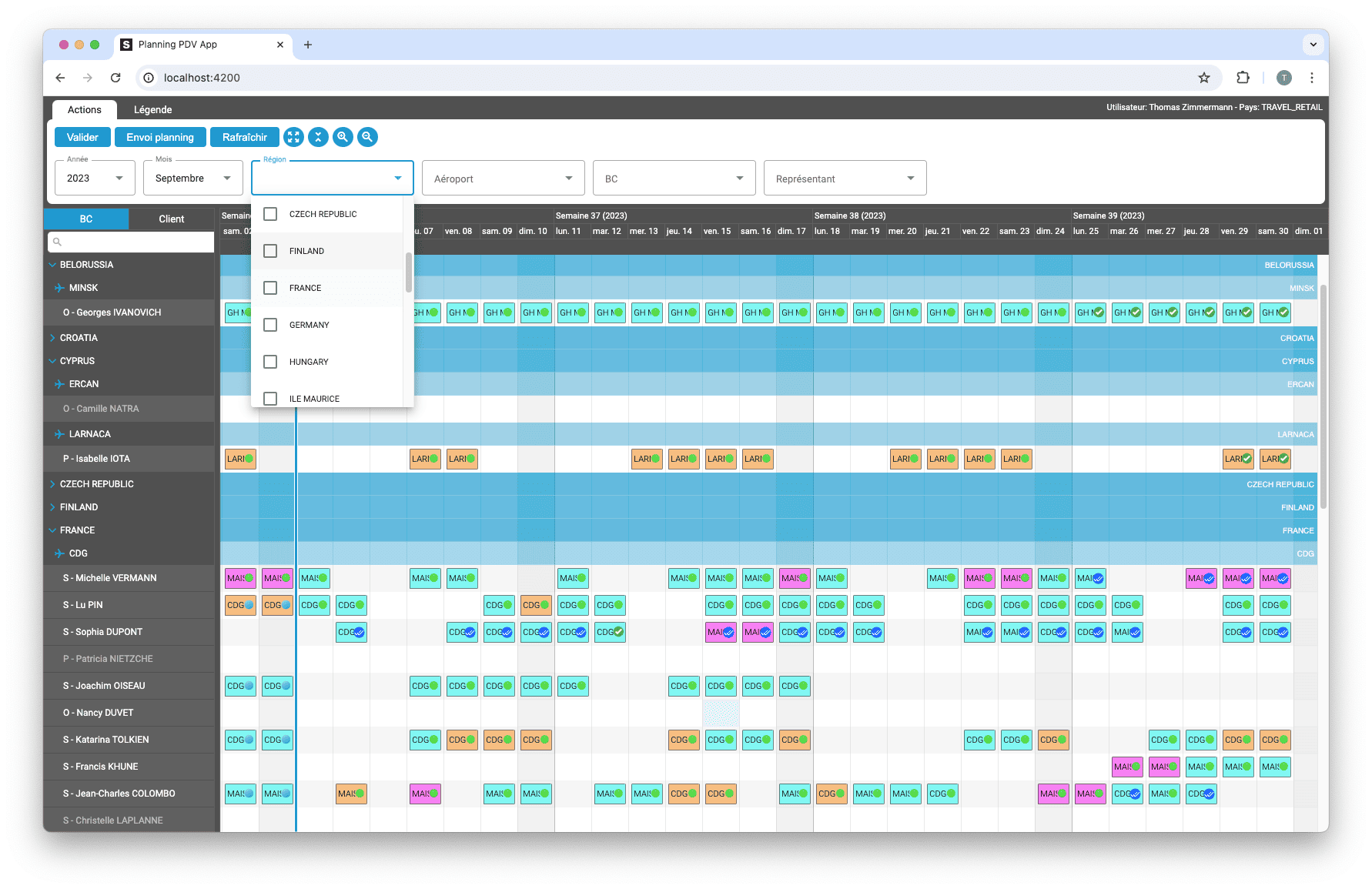
Building custom Tree Tables in ScheduleJS

February 5th, 2026 - 2-3 minutes read

Setting an Externally Configured Tree Table

ScheduleJS offers a dedicated API for designing custom tree tables using two key components:

  • schedule-info-column-header-cell
  • schedule-info-column-row-cell

Configuring the Tree Table layout 

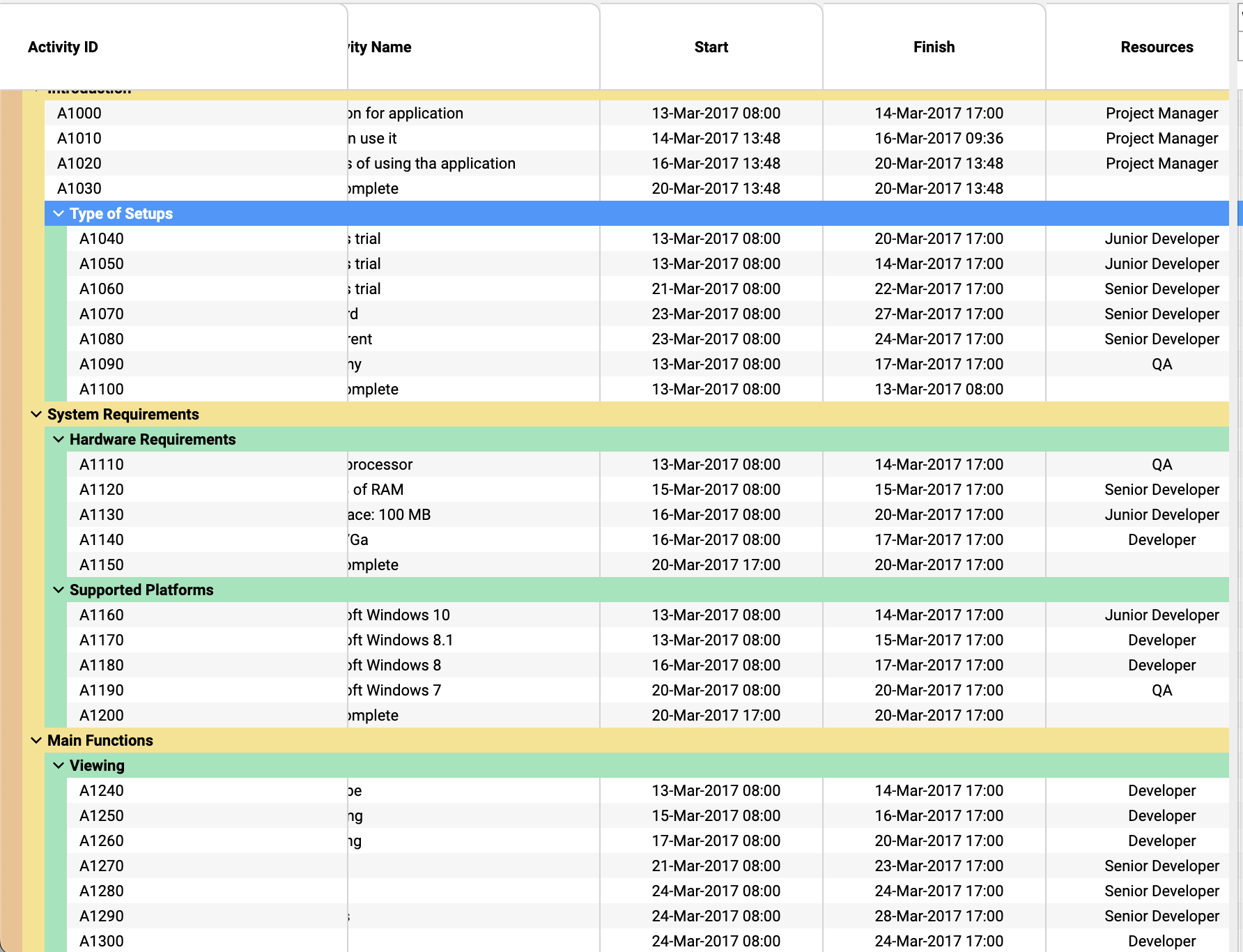
The tree table layout is purely made with HTML, CSS, and TypeScript using our Angular header cells and row cells components. These components are code wrappers, so you can populate these cells with virtually anything.

Custom components built with the info column API can feature:

  • Pinned columns, using schedule-info-column-cells-left-pin-wrapper
  • Communication with the charts using the ScheduleJS internal API
  • Listening to and emitting any event

Dynamic table headers

Table headers are resizable by default and can be built to directly interact with the graphics. A few examples of header features can be:

  • Additional column information
  • Sorting based on column information
  • Filtering with user input

A frequently asked question

Question: Is it possible to replace the default tree table with a custom component (CoreListComponent) that works like the FlexGanttFX table (bound to list view with row expansion) but with additional functionalities?

Réponse: Yes. Using ScheduleJS 1.4, if you want table rows and vertical scrolling synchronized with the graphics, the recommended solution is to build your tree table component using the tree table API with:

  • schedule-info-column-header-cell to build your header cells templates
  • schedule-info-column-row-cell to build your row cells templates

Plus d'articles sur la mise en œuvre

Build custom tree tables in ScheduleJS using schedule-info-column-header-cell and schedule-info-column-row-cell components.

Big Gantt charts

Unlock flexible row management in ScheduleJS: control individual row heights, mix GanttLayout and ChartLayout in the same view.
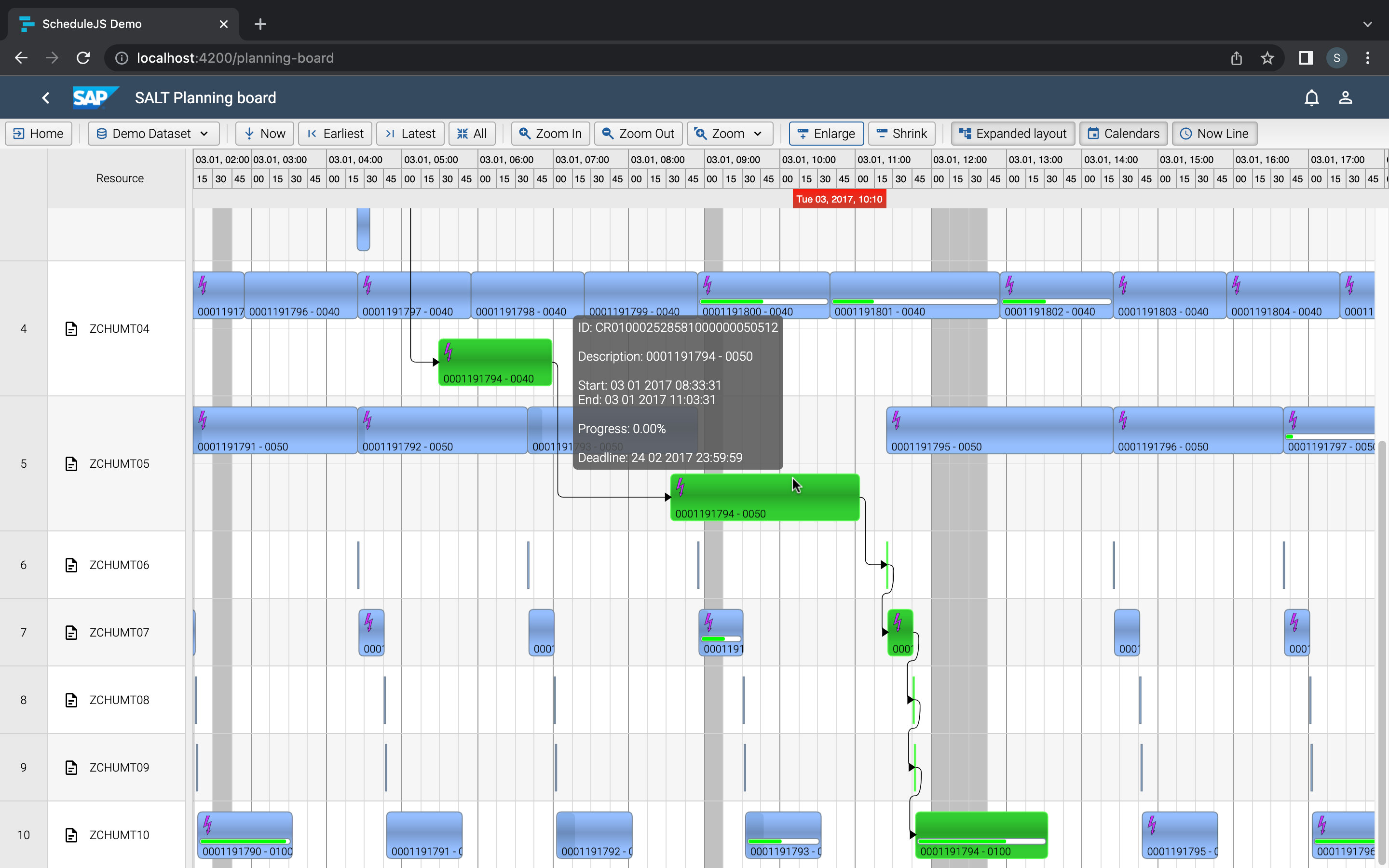
JS Gantt charts Screenshot

Master drag and drop in ScheduleJS: render activities while dragging, access the drag canvas via DragViewTransversalSystemLayers.

ScheduleJS Logo

ScheduleJS 1.4 release notes. A step forward towards modern Angular app building.

Angular 16 vs Angular 18 comparison: discover what's new in Angular, the arrival of signals, Zoneless mode, zone coalescing, and their impact on your projects.

Discover the Angular Rome Conference: workshops, domain-driven design, signals, state management, micro frontends.

Discover Angular 18: zoneless mode, zone coalescing, native await, and TypeScript 5.4 compatibility.
Gantt Charts

Le TOP 3 des diagrammes de Gantt JavaScript. Découvrez leurs caractéristiques, avantages et inconvénients pour choisir le meilleur outil pour votre projet.

sceenschot example appli Gantt charts

Découvrez comment ScheduleJS s'est intégré en toute transparence à Selligent CRM, améliorant ainsi l'efficacité de la planification pour les consultants d'une grande marque de produits de beauté.

JS Gantt charts example

Cet article présente l'intégration d'un composant ScheduleJS dans un tableau Ag-Grid externe, afin de démontrer la flexibilité de ScheduleJS.

S’abonner
Notification pour
guest
0 Commentaires
Commentaires
Show all comments
0
We would love to to have your toughts on this. Please leave a comment below!x