JS Gantt charts Screenshot

Advanced Drag and Drop Operations

December 15th, 2025 - 3-4 minutes read

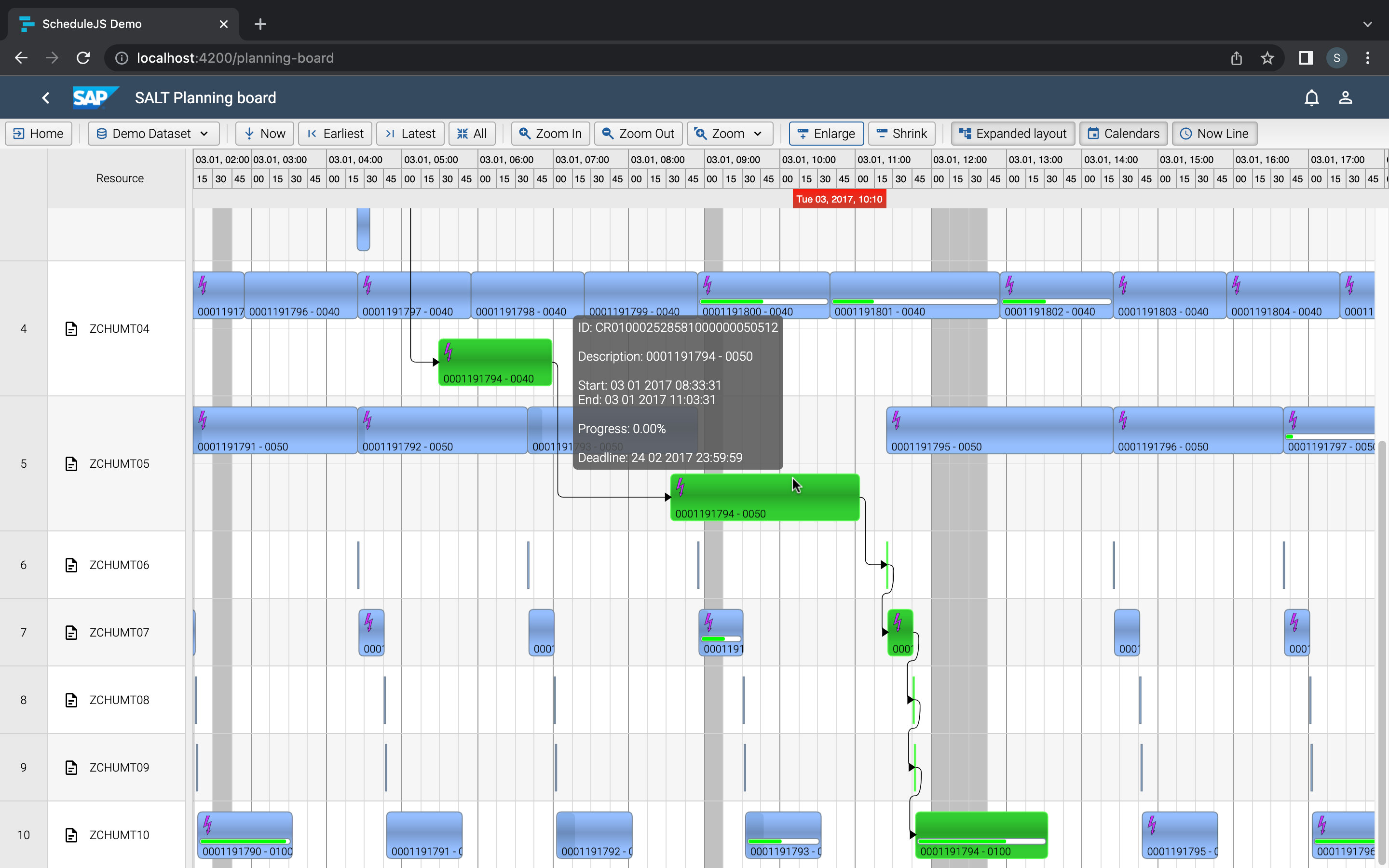
The Drag shadow uses the same ActivityRenderer

Its activity renderer is triggered by the DragViewTransversalSystemLayer to draw on the above-view canvas. Any activity-related logic will be drawn by the renderer during dragging operations.

Activities can be created in dragging mode using the graphics ActionContext. Activities created this way follow the same behavior as standard dragged activities.

Accessing the Drag Canvas

Access the drag canvas in the drawLayer method called by DragViewTransversalSystemLayer. Like any ScheduleJS class, you can extend this class to:

  • Handle additional drawing operations
  • Add specific logic
  • Create a brand new TransversalSystemLayer with custom code

Resource Row Filtering During Drag and Drop

ScheduleJS lets you act on the graphics and trigger any operation in reaction to events. You can for example modify the tree rows structure, trigger system layers specific modes, adapt the grid, and play with any ScheduleJS API you like. 

Scrolling to a Row After Dropping

The Angular viewport features various methods for scrolling to specific rows.
The example below demonstrates that you can scroll to a specific row based on events even if they are coming from outside of the desired Gantt context. Note that multiple options and parameters are available to fine-tune and create the perfect scrolling behaviour.

When a list is filtered during dragging but the filter is removed after dropping, users might want to see where they dropped the activity. In such case, you can trigger a scroll action in the onActivityDragFinished event callback using the ScheduleJS scrolling API methods.

Disable Dragging of Specific Activities

ScheduleJS implements the same setEditModeCallback method as FlexGanttFX. It permits to define what kind of dragging operations are permitted after running validations based on the current state of your app for candidate activity.

Plus d'articles sur la mise en œuvre

Big Gantt charts

Unlock flexible row management in ScheduleJS: control individual row heights, mix GanttLayout and ChartLayout in the same view.

JS Gantt charts Screenshot

Master drag and drop in ScheduleJS: render activities while dragging, access the drag canvas via DragViewTransversalSystemLayers.

ScheduleJS Logo

ScheduleJS 1.4 release notes. A step forward towards modern Angular app building.
Angular 16 vs Angular 18 comparison: discover what's new in Angular, the arrival of signals, Zoneless mode, zone coalescing, and their impact on your projects.
Discover the Angular Rome Conference: workshops, domain-driven design, signals, state management, micro frontends.
Discover Angular 18: zoneless mode, zone coalescing, native await, and TypeScript 5.4 compatibility.
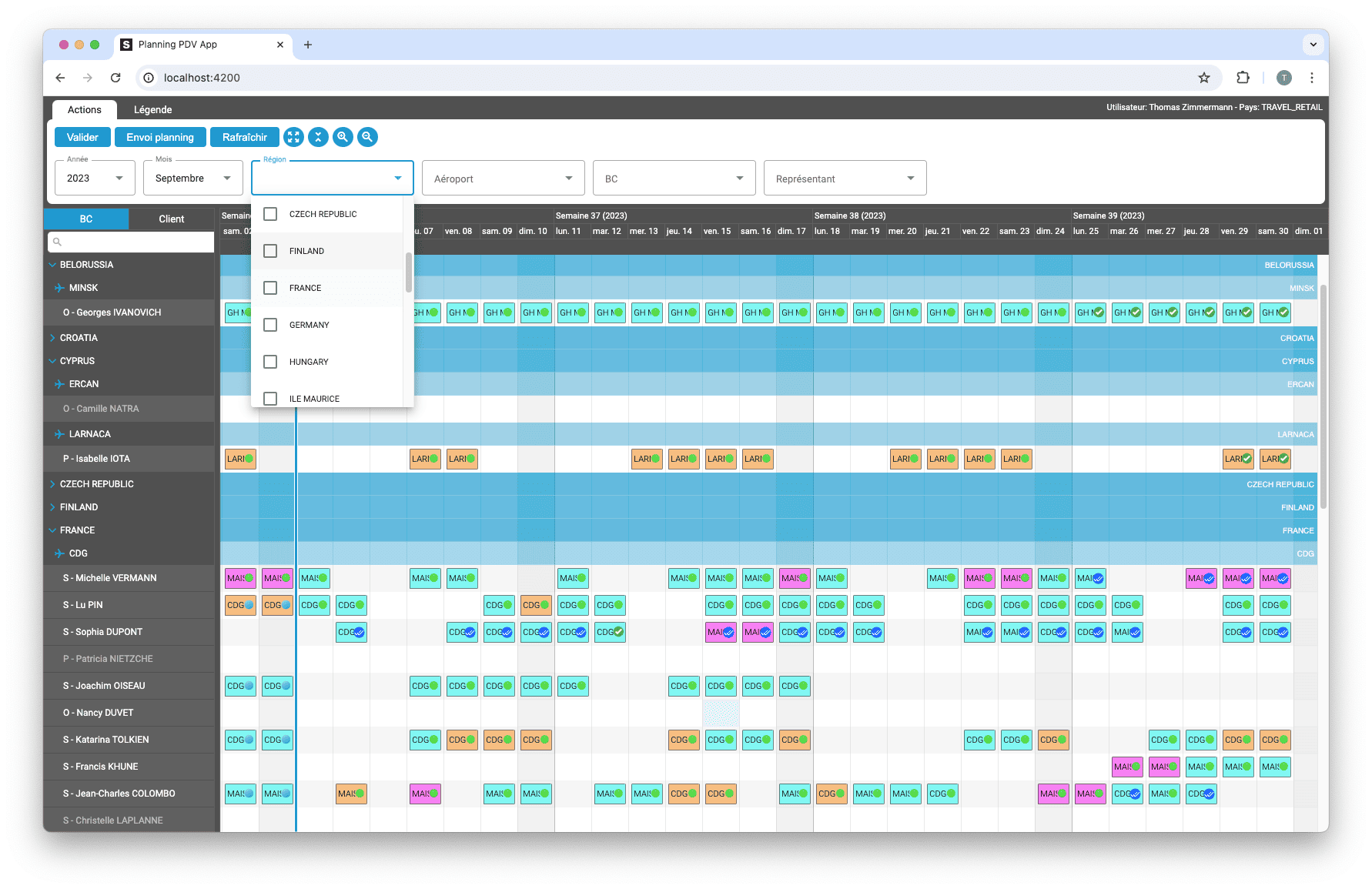
Gantt Charts

Le TOP 3 des diagrammes de Gantt JavaScript. Découvrez leurs caractéristiques, avantages et inconvénients pour choisir le meilleur outil pour votre projet.

sceenschot example appli Gantt charts

Découvrez comment ScheduleJS s'est intégré en toute transparence à Selligent CRM, améliorant ainsi l'efficacité de la planification pour les consultants d'une grande marque de produits de beauté.

JS Gantt charts example

Cet article présente l'intégration d'un composant ScheduleJS dans un tableau Ag-Grid externe, afin de démontrer la flexibilité de ScheduleJS.

Big Gantt charts

Comment synchroniser plusieurs graphiques ? Apprenez à réutiliser votre ligne de temps ScheduleJS dans plusieurs graphiques afin de les synchroniser.

S’abonner
Notification pour
guest
0 Commentaires
Commentaires
Show all comments
0
We would love to to have your toughts on this. Please leave a comment below!x