Tree Table Customization

March 13th, 2026 - 3-4 minutes read

The ScheduleJS API

ScheduleJS offers three components to create your own tree table.
1. <schedule-info-column-cells-left-pin-wrapper>
2. <schedule-info-column-header-cell>
3. <schedule-info-column-row-cell>

The two cell components (2 and 3) are made to wrap your custom header and row cells while the left pin wrapper (1) offers the possibility to freeze a column on the leftmost part of the tree table.

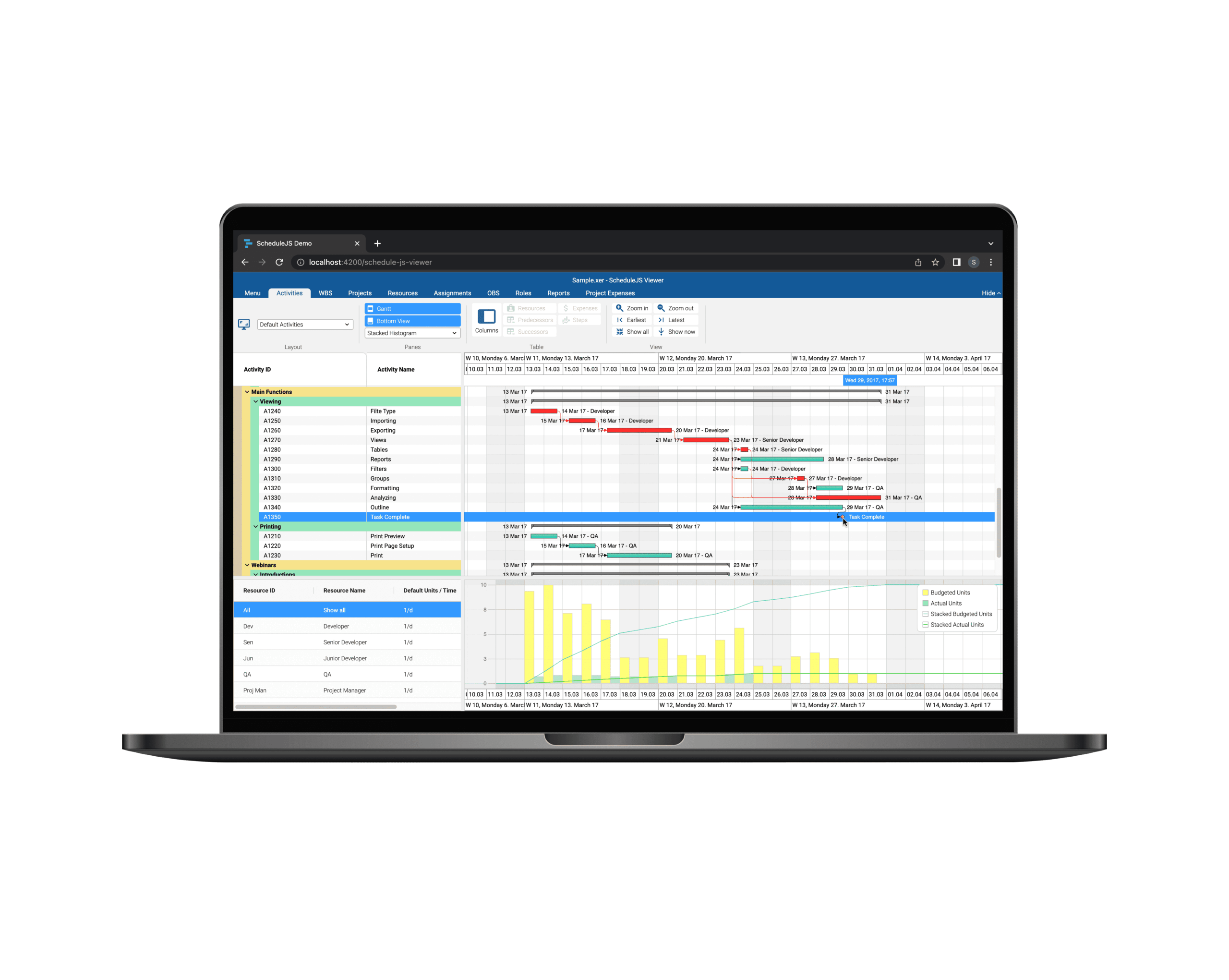
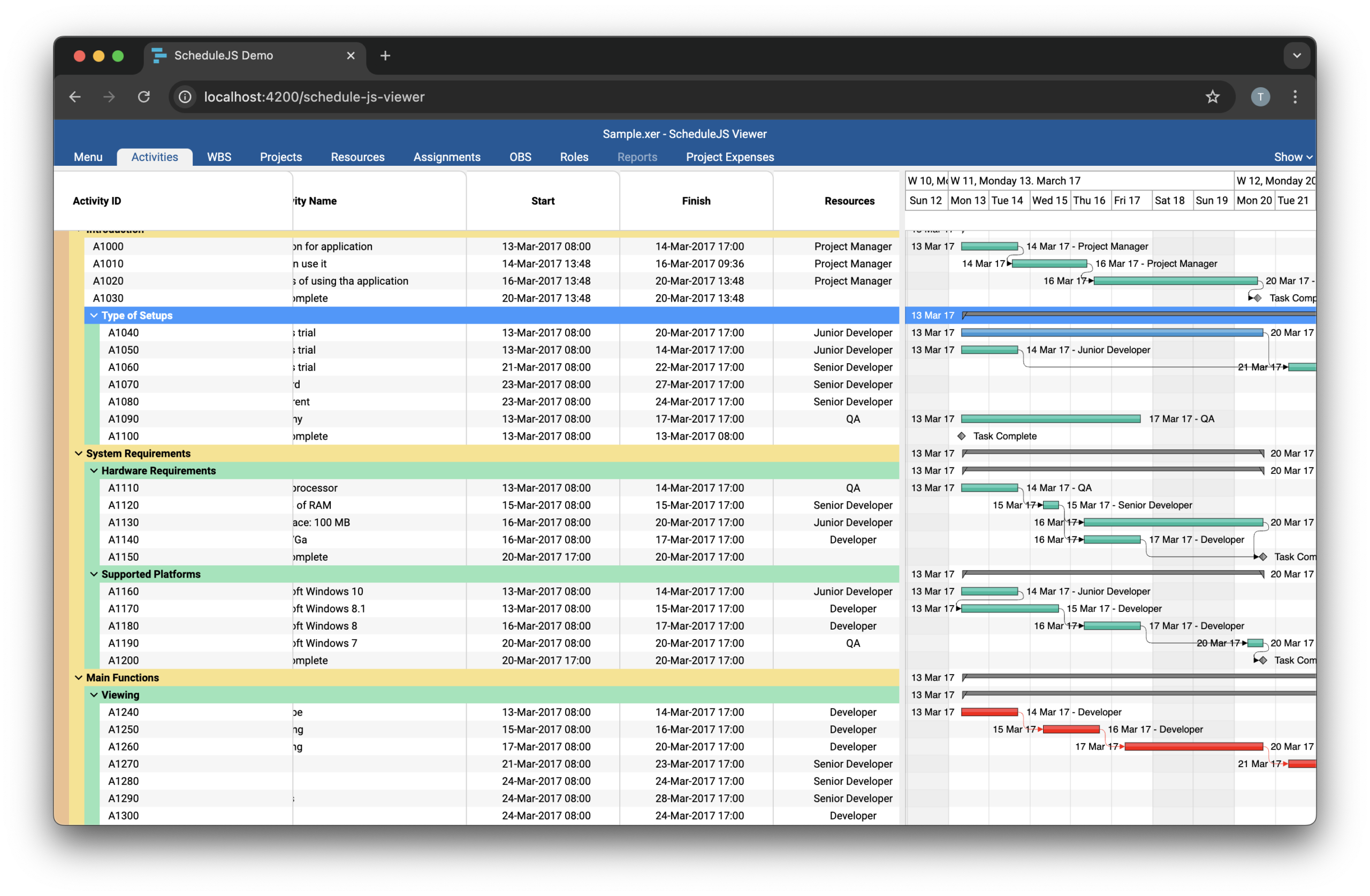
On the example above, the Activity ID column has been frozen with the left-pin-wrapper while other columns are some custom Angular components wrapped in the ScheduleJS row-cell and header-cell component wrappers.

Example: Interactive Angular component in one row of the tree-table

Multiple Levels of Children Rows

ScheduleJS has no implicit limit to the levels of children rows. Every row can be a parent to some child rows. The goal is to let you create a tailored user experience maximising readability and interaction capabilities.

Tree Table Selection

Since FlexGanttFX is based on JavaFX and ScheduleJS is based on Angular, the FlexGanttFX getTreeTable API is not implemented in ScheduleJS. To handle resource selection in the tree table and overall application state, use an Angular state service.

Cell Factories

You can adjust alignment, graphics, and style of text in tree table cells using your regular Angular workflow. The header and row cell wrappers will provide the actual cell data using a TreeNodeContext object, storing row information such as:

  • expanded state (are child rows shown)
  • leaf state (are there child rows)
  • level (parent depth)
  • parent (parent row data)
  • value (actual row data)

Any questions ?

Feel free to contact us for any implementation related questions. Note that you can request the source code of our demos, which proposes straightforward implementations for most of the ScheduleJS features. This will help you to understand how the library articulates around its API and use our recommended best practices for your project.

Plus d'articles sur la mise en œuvre

Tree tables can be extensively customised in ScheduleJS: colorful row headers, multiple child levels, display, and interactions
Build custom tree tables in ScheduleJS using schedule-info-column-header-cell and schedule-info-column-row-cell components.

Big Gantt charts

Unlock flexible row management in ScheduleJS: control individual row heights, mix GanttLayout and ChartLayout in the same view.
JS Gantt charts Screenshot

Master drag and drop in ScheduleJS: render activities while dragging, access the drag canvas via DragViewTransversalSystemLayers.

ScheduleJS Logo

ScheduleJS 1.4 release notes. A step forward towards modern Angular app building.

Angular 16 vs Angular 18 comparison: discover what's new in Angular, the arrival of signals, Zoneless mode, zone coalescing, and their impact on your projects.

Discover the Angular Rome Conference: workshops, domain-driven design, signals, state management, micro frontends.

Discover Angular 18: zoneless mode, zone coalescing, native await, and TypeScript 5.4 compatibility.
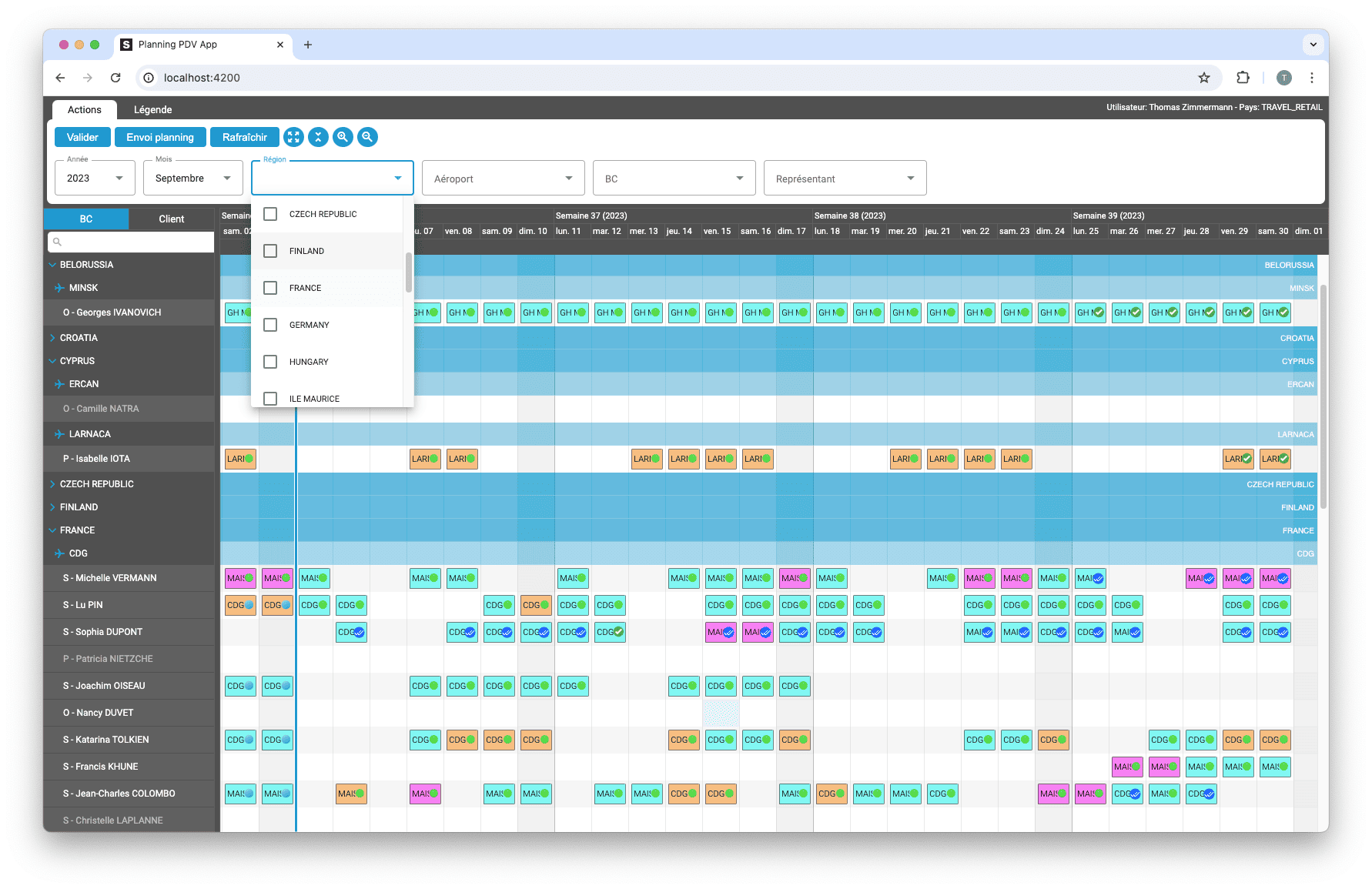
Gantt Charts

Le TOP 3 des diagrammes de Gantt JavaScript. Découvrez leurs caractéristiques, avantages et inconvénients pour choisir le meilleur outil pour votre projet.
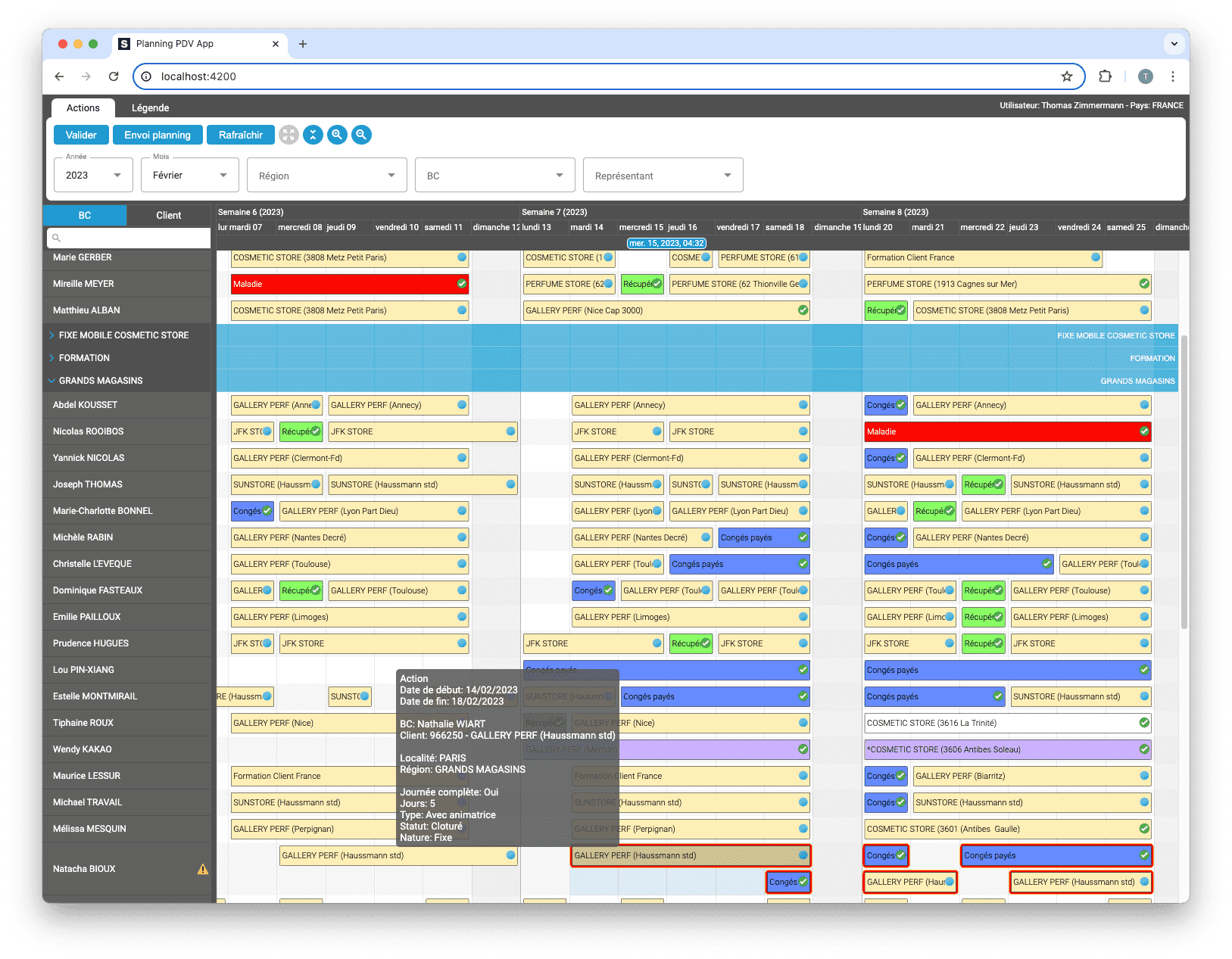
sceenschot example appli Gantt charts

Découvrez comment ScheduleJS s'est intégré en toute transparence à Selligent CRM, améliorant ainsi l'efficacité de la planification pour les consultants d'une grande marque de produits de beauté.

S’abonner
Notification pour
guest
0 Commentaires
Commentaires
Show all comments
0
We would love to to have your toughts on this. Please leave a comment below!x