
How to handle application events in ScheduleJS. Manage user inputs while performing ScheduleJS actions, design the perfect UX for your app.

The Angular layer allows the developer to manage keyboard events very precisely. The ScheduleJS events API provides various event methods like setOnActivityDragOngoing to register callbacks fired during specific, like for example a drag and drop. During these operations, you can easily access the underlying events and react to keyboard inputs such as modifiers (like Ctrl, Shift) or direct keypresses.
In the following example, the user makes use of his Shift key to perform a multidirectional drag and drop action, and then uses the Ctrl key to perform a horizontal drag and drop:
You can connect either modern Angular state management tools like RxJS and such and/or native JS event listeners to trigger the internal ScheduleJS API and act on the graphics in many ways. If you want to design advanced scenarios for your Keyboard events, just couple your usual event handlers with methods from the GanttGraphics API :
graphics.redraw() to trigger programatic graphics re-renderinggraphics.setEditModeCallback(Activity, LayoutType, () => ...) or any elements of your graphics that you would like to impact with Keyboard events
When using ScheduleJS listeners, the related TypeScript event is stored in the ActivityEvent. TypeScript stores properties like ctrlKey, altKey, shiftKey, and metaKey in the MouseEvent to indicate if keyboard keys are pressed during the event.
Modern web apps are accessible from many different devices, having their specificities and dedicated input methods. It is a challenge to design the perfect UX for every device. The richness of the ScheduleJS API is able to react to all kind of input methods to further increase flexibility and adoption. When designing your interactions, you can create a dedicated experience for all TypeScript events that might happen in the browser :
All row interactions can be managed using dedicated ScheduleJS event handlers. Our TypeScript layers holds the native event.
Here is some examples of actions that can be created with these :
How to handle application events in ScheduleJS. Manage user inputs while performing ScheduleJS actions, design the perfect UX for your app.
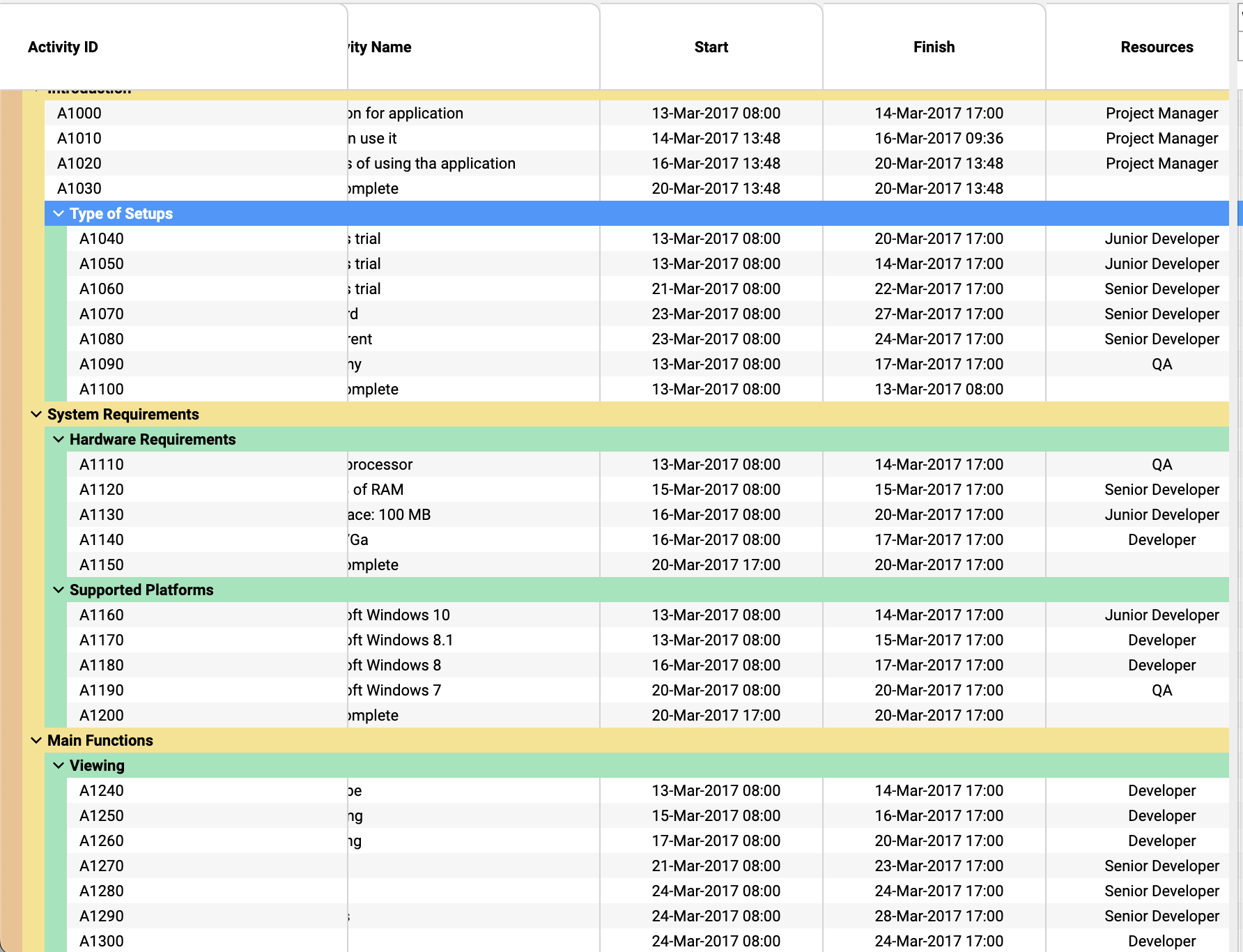
Tree tables can be extensively customised in ScheduleJS: colorful row headers, multiple child levels, display, and interactions
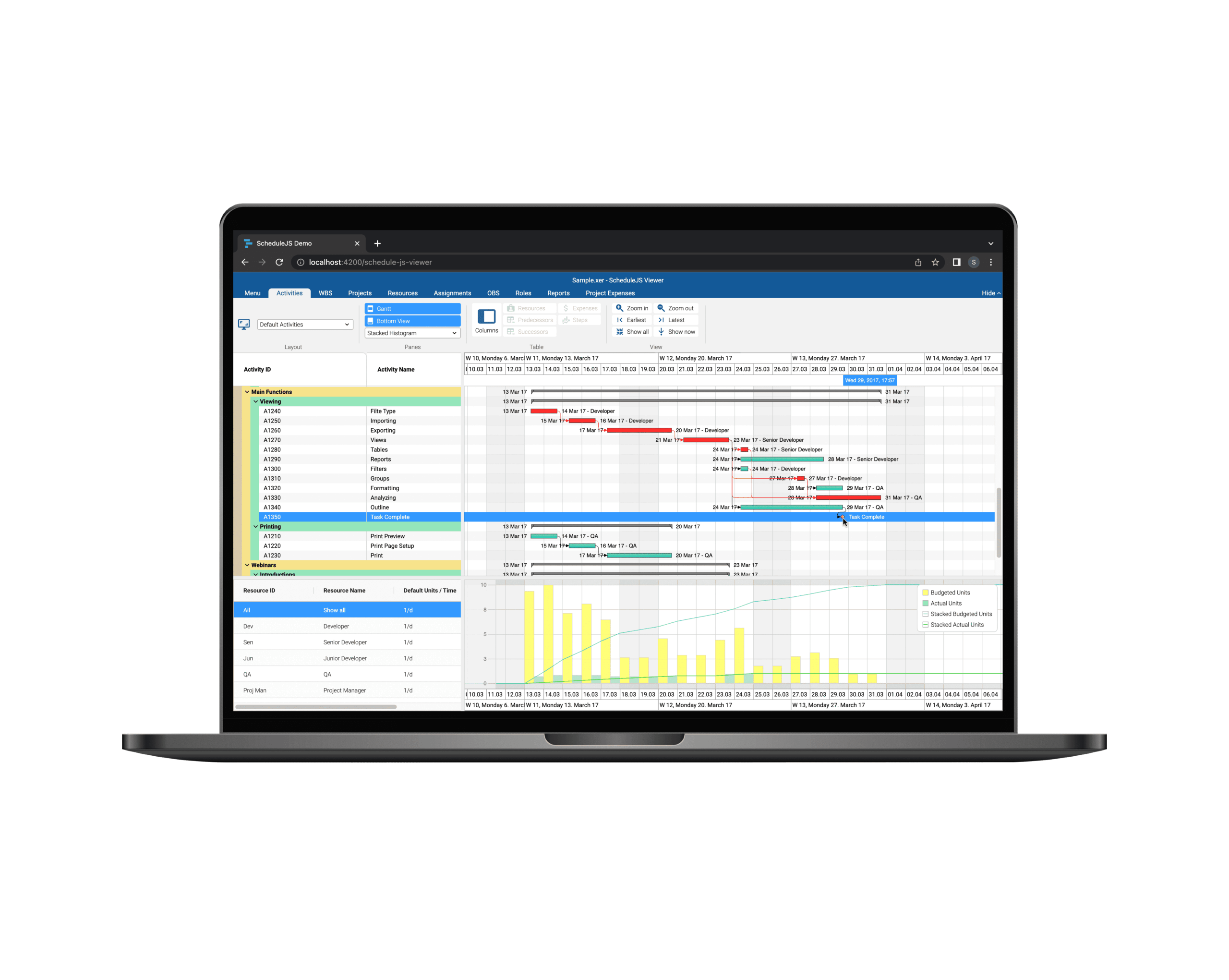
Build custom tree tables in ScheduleJS using schedule-info-column-header-cell and schedule-info-column-row-cell components.
Unlock flexible row management in ScheduleJS: control individual row heights, mix GanttLayout and ChartLayout in the same view.
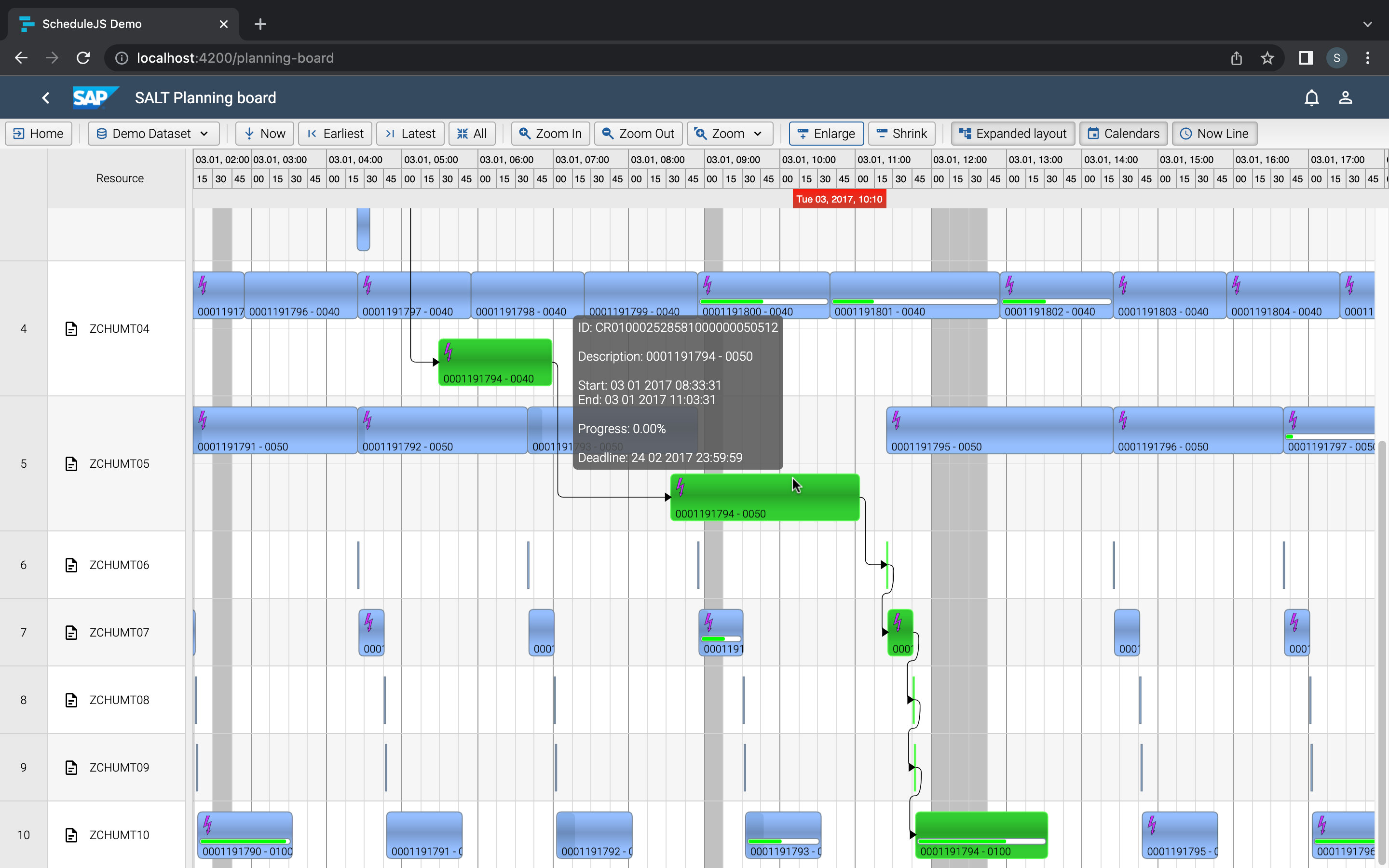
Master drag and drop in ScheduleJS: render activities while dragging, access the drag canvas via DragViewTransversalSystemLayers.
ScheduleJS 1.4 release notes. A step forward towards modern Angular app building.

Angular 16 vs Angular 18 comparison: discover what's new in Angular, the arrival of signals, Zoneless mode, zone coalescing, and their impact on your projects.

Discover the Angular Rome Conference: workshops, domain-driven design, signals, state management, micro frontends.
Discover Angular 18: zoneless mode, zone coalescing, native await, and TypeScript 5.4 compatibility.
The TOP 3 JavaScript Gantt chart. Discover their features, advantages, and disadvantages to choose the best tool for your project.
© Copyright 2026 – Site Map – All rights reserved – Privacy Policy – Terms of use – Cookies Policy – AISO SA