How to handle application events in ScheduleJS. Manage user inputs while performing ScheduleJS actions, design the perfect UX for your app.
In this article, we’re going to list the features and upgrades we included for the upcoming 1.3 major update.
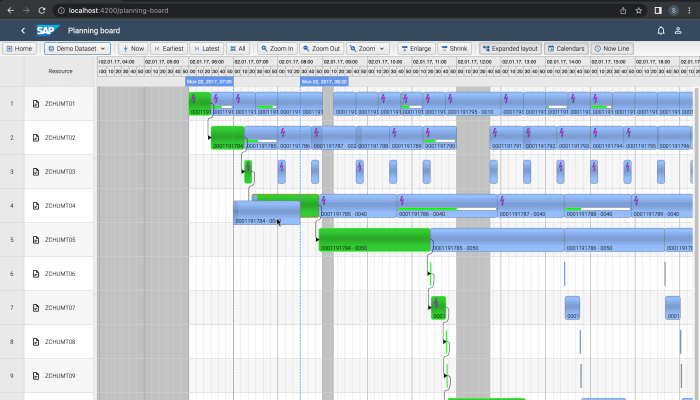
As we designed ScheduleJS to handle larger datasets, we always focus on implementing all the new features without losing performance. A small gap for one user can be a huge gap for another. We are happy to announce that ScheduleJS 1.3 features even better performance than ScheduleJS 1.2 thanks to optimizations that were done on the activity tree repository and the viewport.
ScheduleJS now supports Angular 14. You can now use standalone components and all the new features brought by the google teams in your project.
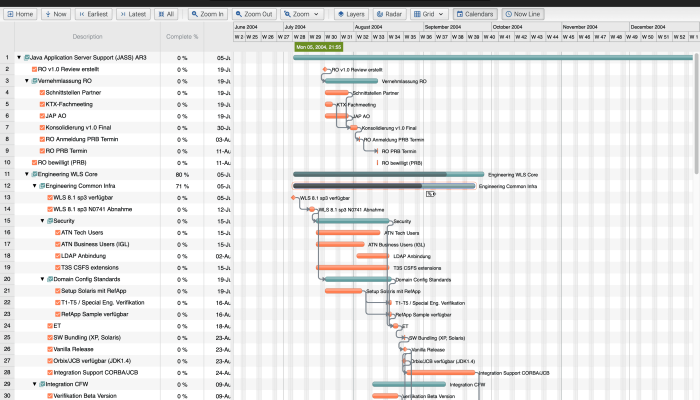
The ActivityLinks API now encapsulate all links-related drawings. New methods and higher-level classes now allow the developer to easily register links between activities, handle the drawing operations, and design specialized behavior. The ActivityLinks comes with two default LinkRenderers to start from : square and curved, to design the perfect rendering for your links.
CompletableActivity is a new class of activity that holds a completion value and provide methods to update and render the completed state. Using multiple activity types is recommended depending on your use case to allow a better handling of the rendering and behavior differences for each activity.
This new modular component will help you to quickly set up actions, especially during the development process of your application. A generic interface allows to create your own buttons (modal, toggle, click…) while general settings for your Gantt graphics can be triggered from the default ones. The DemoScheduleButtonBarComponent also includes a ‘radar’ and a ‘layer view’ button to help you to respectively get the big picture of your dataset, and play with the layers (layer order, opacity, enable/disable…).
Four new system layers will let you define a more precise stacking order. Those new system layers are added to give more flexibility on the overall rendering of your application. You can now draw below and above every row, below and above those layers and below and above the whole view using the new transversal system layers.
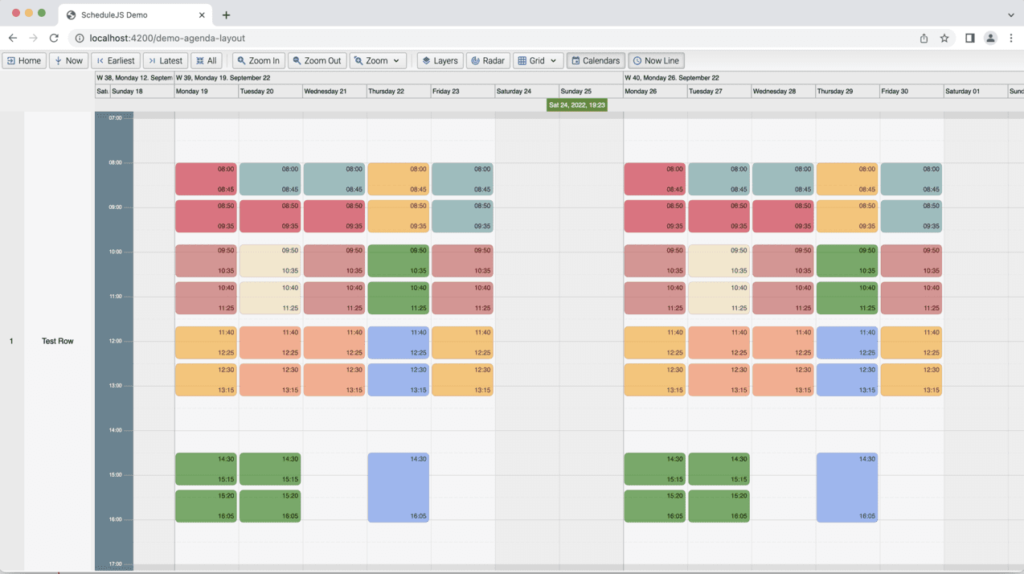
Here is also an update for the AgendaLayout, which allows to build dynamic calendars as it is currently live on our development branch and will be made available in the next update.
Stay tuned for more as we will make another blog post for the official release and will keep you updated on what’s new for ScheduleJS!
How to handle application events in ScheduleJS. Manage user inputs while performing ScheduleJS actions, design the perfect UX for your app.
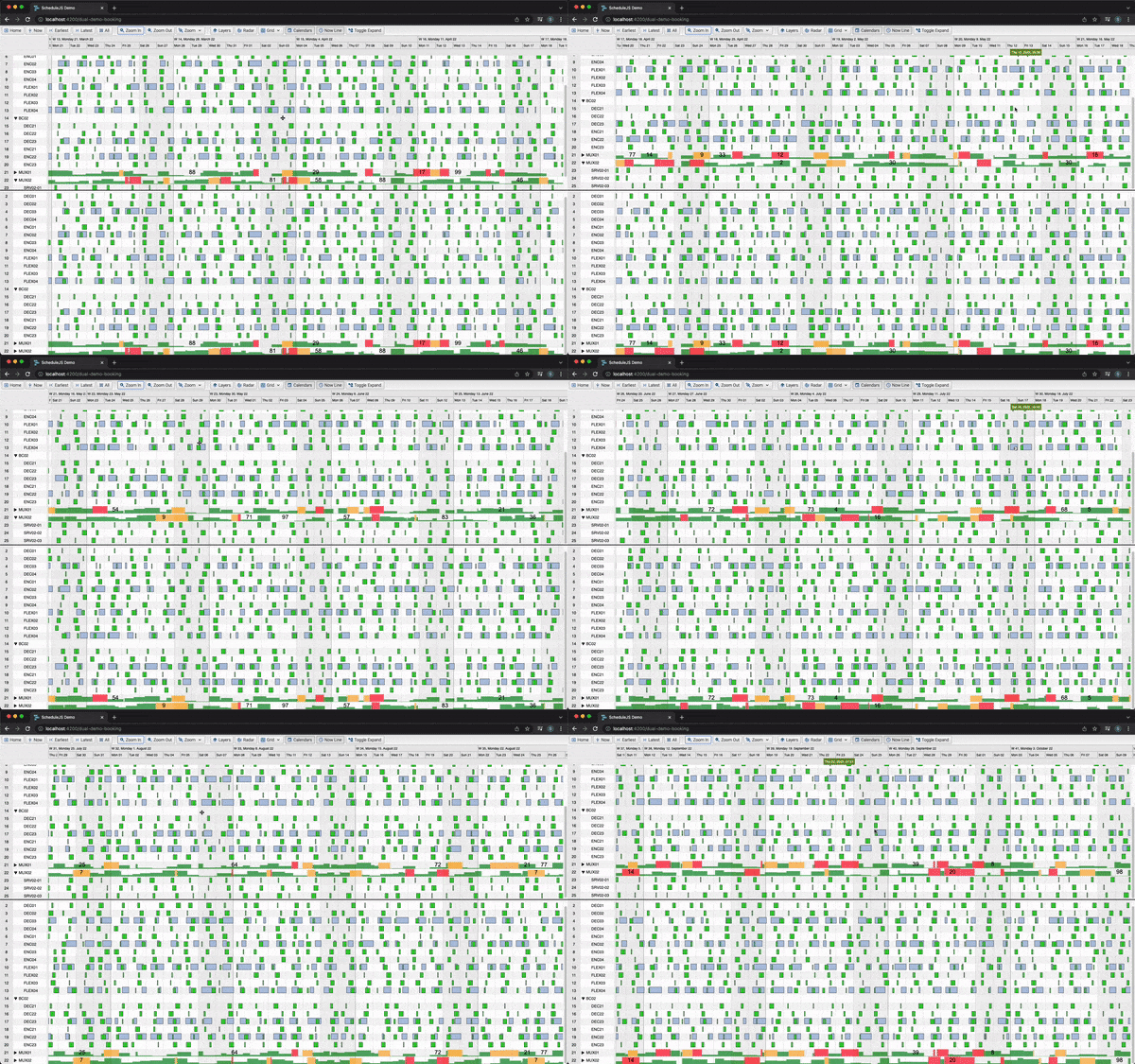
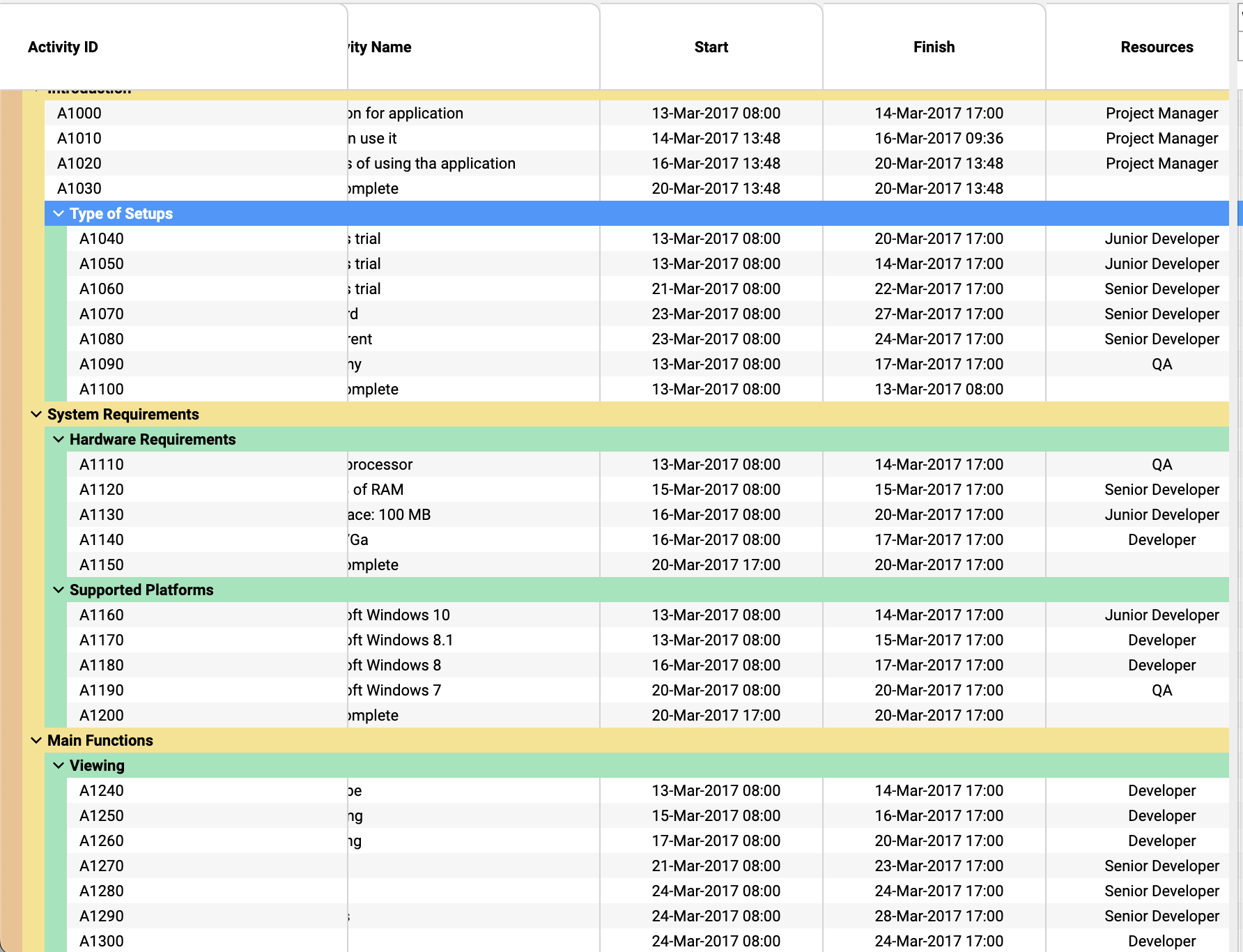
Tree tables can be extensively customised in ScheduleJS: colorful row headers, multiple child levels, display, and interactions
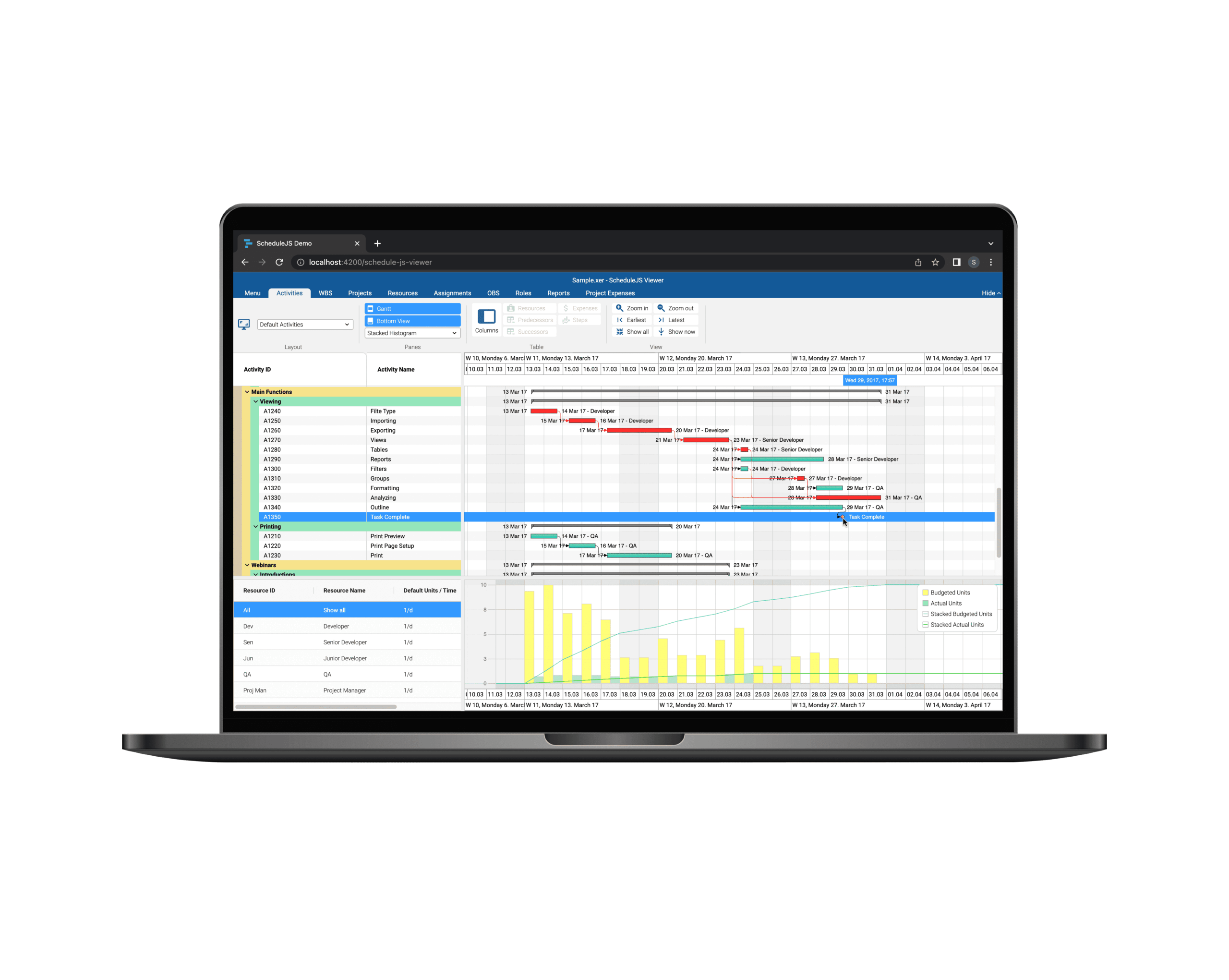
Build custom tree tables in ScheduleJS using schedule-info-column-header-cell and schedule-info-column-row-cell components.
Unlock flexible row management in ScheduleJS: control individual row heights, mix GanttLayout and ChartLayout in the same view.
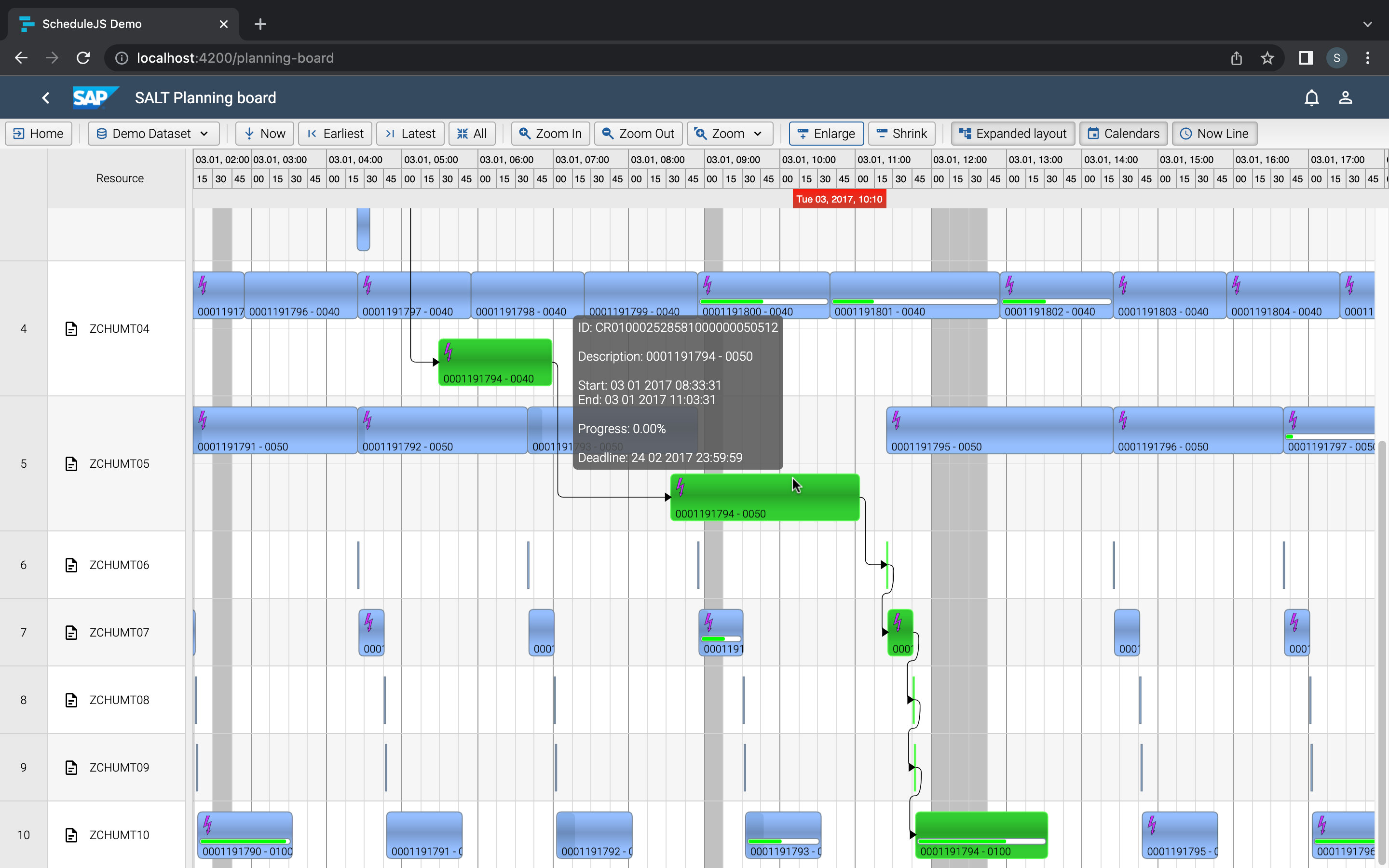
Master drag and drop in ScheduleJS: render activities while dragging, access the drag canvas via DragViewTransversalSystemLayers.
ScheduleJS 1.4 release notes. A step forward towards modern Angular app building.
Angular 16 vs Angular 18 comparison: discover what's new in Angular, the arrival of signals, Zoneless mode, zone coalescing, and their impact on your projects.
Discover the Angular Rome Conference: workshops, domain-driven design, signals, state management, micro frontends.
Discover Angular 18: zoneless mode, zone coalescing, native await, and TypeScript 5.4 compatibility.
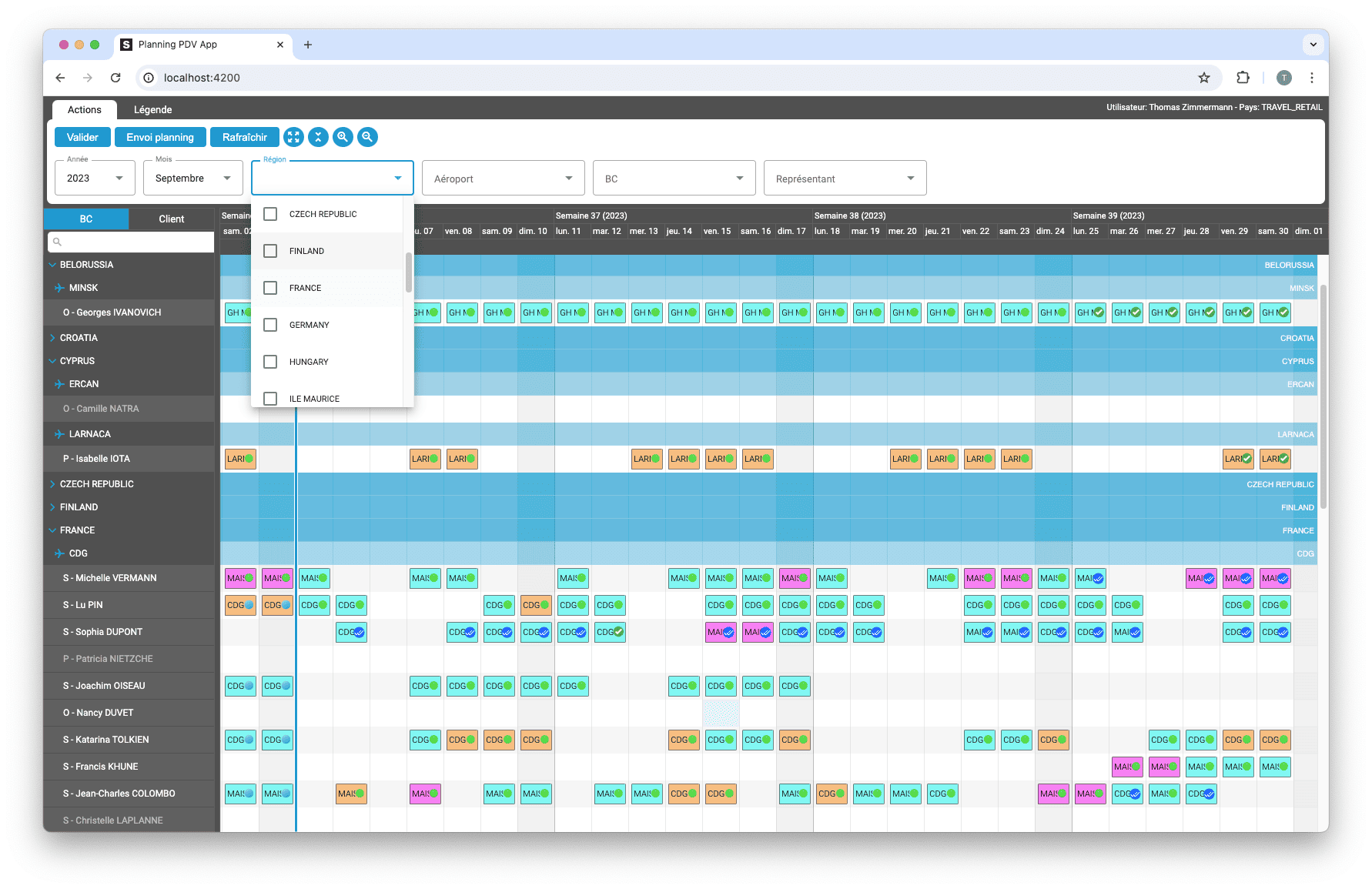
The TOP 3 JavaScript Gantt chart. Discover their features, advantages, and disadvantages to choose the best tool for your project.
© Copyright 2026 – Site Map – All rights reserved – Privacy Policy – Terms of use – Cookies Policy – AISO SA